
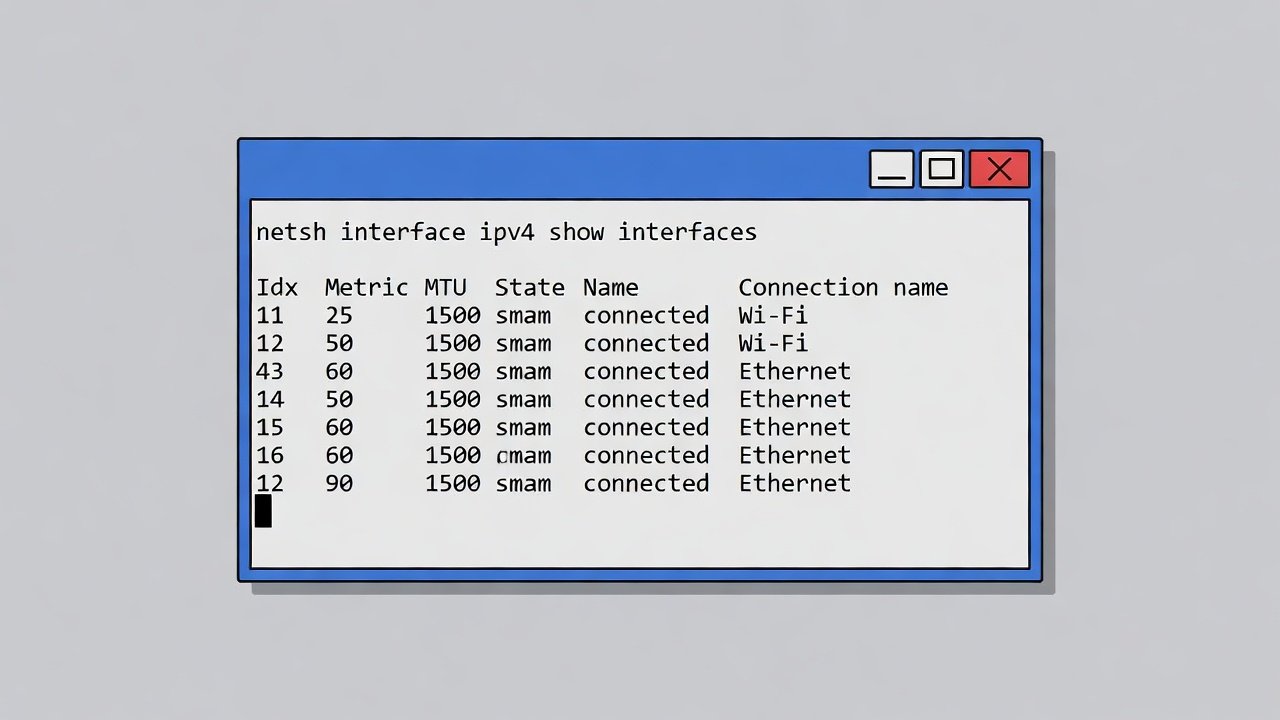
you can enable or disable specific network interfaces (like your Wi-Fi or Ethernet card) directly from the Command Prompt. This is incredibly useful if your connection hangs or if you want to hard-kill your internet access without unplugging cables.
Managing Network Interfaces with netsh
To do this, you use the interface context. Here is the workflow:
1. Identify your Interface Name
First, you need to know exactly what Windows calls your adapter (e.g., “Wi-Fi” or “Ethernet”).
DOS
netsh interface show interface
Leave a Reply