
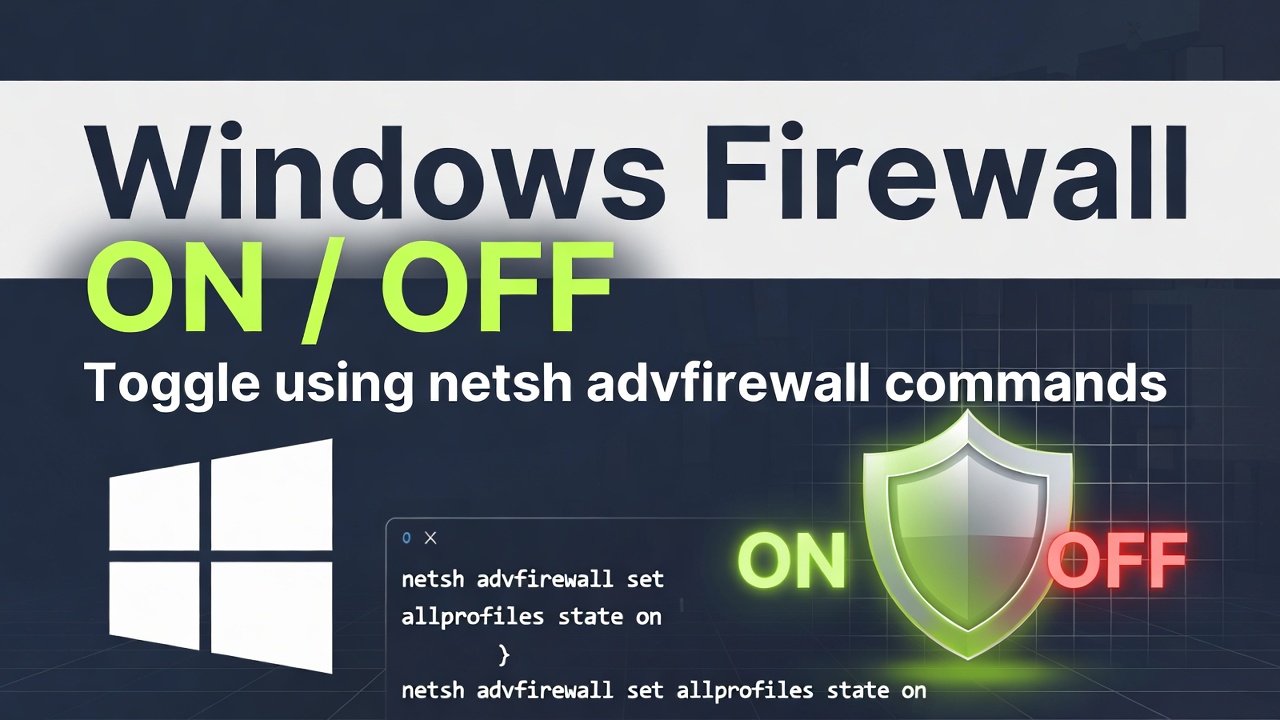
While netsh is the classic way to do this, it’s worth noting that Microsoft is slowly nudging everyone toward PowerShell. However, for a quick cmd fix, netsh still works perfectly.
To toggle the firewall for the Global Profile (which affects all profiles: Domain, Private, and Public), use the following commands.
1. Open Command Prompt as Administrator
Before running these, you must right-click Command Prompt and select Run as Administrator. If you don’t, you’ll get an “Access is denied” error.
2. The Commands
| Action | Command |
| Switch OFF | netsh advfirewall set allprofiles state off |
| Switch ON | netsh advfirewall set allprofiles state on |
| Check Status | netsh advfirewall show allprofiles state |
Leave a Reply